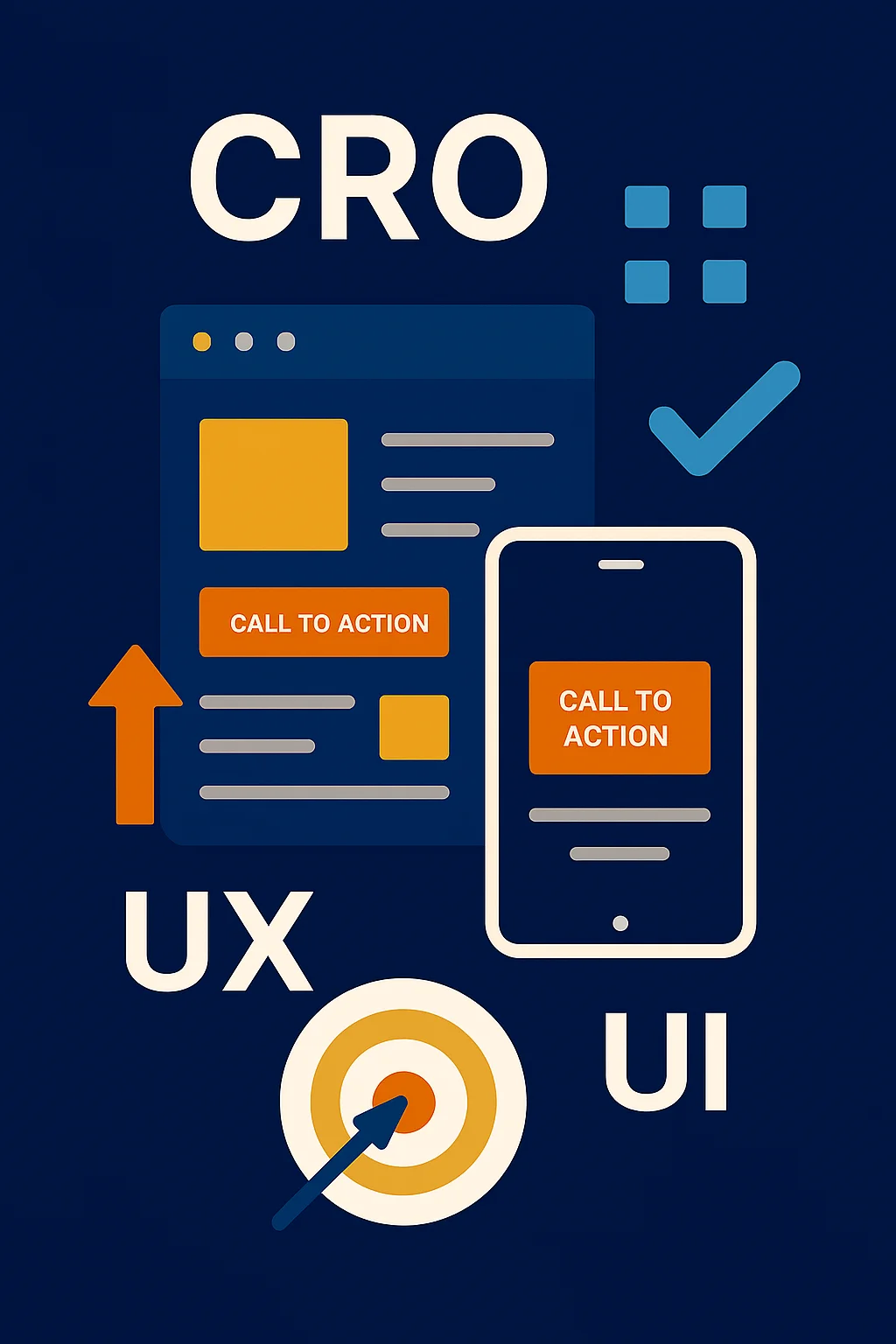
Driving traffic to your website is the vital first step in any successful digital strategy. Your efforts in SEO and AISEO open the door to an audience. But what happens once those visitors arrive? Do they stay? Do they act? Do they buy?
The real turning point lies in Conversion-Centered Design (CRO). This isn't about aesthetic tastes; it's a strategic discipline integrating UX/UI, behavioral psychology, and rigorous experimentation to reduce friction and provoke action.
The Common Pain Point: Do you have high traffic with low conversions? Forms abandoned? CTAs that seem invisible?
The Opportunity: Small improvements (1-3%) can multiply revenue without increasing ad spend.
Connecting Strategy: CRO links your SEO traffic to pages that don't just inform, but convert.
Article Summary
- What It Is:CRO is the systematic practice of optimizing your website to increase the proportion of visitors who take a key action.
- Why It Matters:A marginal increase in conversion rate can exponentially improve ROI and business resilience.
- What You'll Learn:10 fundamental UX/UI principles, key metrics, and how to integrate CRO with SEO.
What is CRO and Why Does It Matter?
Conversion Rate Optimization (CRO) is much more than tactics; it's a mindset of continuous improvement. It combines deep research, UX/UI improvement, persuasive copywriting, and controlled testing.
Typical Goals
Increase leads, reduce cart abandonment, boost CTR, encourage subscriptions.
Key Metrics
Conversion rate, CTA CTR, time to conversion, bounce rate, load speed.
Key UX/UI Principles for CRO
Principle 1: Crystal Clear Value Proposition (Message First)
If a user doesn't understand what you do in 5 seconds, you've already lost them. Clarity is your website's most effective silent salesperson.
What to Apply
- Hero Headline: A clear, concise message communicating the primary customer benefit.
- Supporting Subheadline: Additional details that reinforce the benefit.
- Main CTA: A direct, value-oriented call to action.
- Immediate Evidence: Social proof or data points near the hero section.
Common Mistake
Using generic, ambiguous, or industry-jargon phrases that fail to communicate a differential value.
Principle 2: Applied Color Psychology
Color isn't just aesthetics; it's a powerful psychological tool that guides attention and influences emotions.
What to Apply
- Contrasting CTAs: Select a warm color (orange, red) exclusively for primary buttons.
- Consistency & Moderation: Limit palette to 3-4 colors.
- Emotional Context: Use cool colors for trust, warm colors for action.
Common Mistake
Too many colors competing for attention or CTAs that don't contrast enough.
Principle 3: CTAs Impossible to Ignore
A well-designed Call to Action (CTA) is the gateway to conversion. It cannot be an afterthought.
What to Apply
- Clear Verbs: 'Book Free Demo' instead of 'Submit'.
- Strategic Placement: Hero, mid-page, and end of content.
- Friction-Reducing Microcopy: 'No Credit Card Required'.
Common Mistake
Invisible CTAs, ambiguous copy, or too many competing CTAs.
Principle 4: Intuitive, Frictionless Web Architecture
Your website's navigation should be so obvious that the user doesn't have to think.
What to Apply
- Clear Navigation Menu: Limit to 5-7 items.
- Breadcrumbs: For user orientation and SEO.
- Clear Conversion Paths: Quick access to Pricing or Contact.
Common Mistake
Overly complex menus or creative terms the user doesn't understand.
Principle 5: Site Speed: The First Impression
Speed is a fundamental user expectation. Every additional second of load time increases abandonment.
What to Apply
- Image Optimization: WebP/AVIF formats and lazy loading.
- Critical Resource Loading: Prioritize above-the-fold content.
- Rigorous Testing: Use Google PageSpeed Insights.
Common Mistake
Heavy pages due to unoptimized videos or excessive JavaScript.
Principle 6: Building Trust and Credibility
Without trust, there is no conversion. Users must feel safe to take action.
What to Apply
- Authentic Social Proof: Verifiable testimonials and logos.
- Transparent Security Signals: SSL and privacy links.
- Clear Authorship: Bios highlighting expertise.
Common Mistake
Generic testimonials without names or lack of contact info.
Principle 7: Responsive & Mobile-First Design
If your site doesn't offer a flawless experience on mobile, you are losing half your potential conversions.
What to Apply
- Thumb-Friendly Design: Large buttons and easy reach.
- Adaptive Content: Images that adjust to screen width.
- Optimized Navigation: Easy-to-use hamburger menus.
Common Mistake
Replicating desktop design exactly on mobile.
Principle 8: Constant Experimentation: A/B Testing
CRO is an iterative process based on real data, not assumptions.
What to Apply
- Measurable Hypotheses: Define what you expect to happen.
- Single Variables: Change one thing at a time.
- KPIs: Define success metrics before testing.
Common Mistake
Making multiple changes simultaneously without control.
Principle 9: Microinteractions & Visual Feedback
Small details guide, reassure, and delight users.
What to Apply
- Interactive States: Hover and active states for buttons.
- Real-Time Validation: Instant feedback on forms.
- Progress Indicators: Visual confirmation of actions.
Common Mistake
Excessive animations or total lack of feedback.
Principle 10: Conversion-Focused Minimalism
Minimalism reduces cognitive load. Less is more productive.
What to Apply
- Eliminate Noise: Remove pop-ups and redundant banners.
- Signal > Noise: One primary action per screen.
- Direct Copy: Focus on benefits, not jargon.
Common Mistake
Trying to say everything on one page.
Conclusions and Strategic Next Steps
Conversion-Centered Design transforms aesthetics into strategy. It is the bridge between traffic and revenue. Start with the basics: clear messaging and speed. Then, move to experimentation.
Action Plan
- Quick Friction Audit (Identify top 3 issues).
- High-Impact 2-Week Implementation (Fix CTAs & Speed).
- Launch an Initial A/B Test.
Frequently Asked Questions (FAQs)
What is the fundamental difference between UX and CRO?
UX (User Experience) seeks to make the experience useful and enjoyable. CRO uses UX principles specifically to increase business actions (purchases, leads). They overlap, but CRO is geared toward metrics and revenue.
What tools are essential for implementing a CRO strategy?
Core tools include: Google Analytics 4 for behavior tracking, heatmapping software (Hotjar, Mouseflow), A/B testing platforms (VWO, Unbounce), and user feedback tools (Surveys, session recordings). Start with Google Analytics and a heatmapper before investing in expensive platforms.
Does CRO replace or compete with SEO?
No. SEO brings traffic; CRO converts that traffic. They work in tandem. A page with great SEO ranking but poor conversion design wastes the traffic you paid for. CRO makes your SEO investment work harder.
How long does it take to see tangible results from CRO?
Quick wins (2-4 weeks) come from low-hanging fruit like CTA button color or form field reduction. Significant improvements (10-25% uplift) typically take 2-3 months of consistent testing and data collection. Lasting competitive advantage requires 6-12 months of systematic implementation.
Is it essential to have a UI/UX designer to apply CRO?
Not initially. Strong copywriting and strategic thinking matter more than design. That said, partnering with a UX designer accelerates results dramatically, especially for complex flows. Start in-house with data, then hire design expertise when you're ready to scale.
How do I integrate CRO with my social media strategies?
Social drives traffic but CRO happens on the destination. Use social to test messaging variations, then replicate winners on your website. Track which social channels drive the highest-converting visitors. Last, use social ads to A/B test landing pages before launching site-wide changes.
Put the insight into action
Ready to turn this idea into a growth plan?
Tell us what you are working toward and we will help you identify the clearest next step for your business.